Plain Hooks: WordPress email, pages, images and logins explained

WordPress problems, solved plainly.

Plain Hooks explains the everyday WordPress jobs that still trip people up: getting site email delivered, sending a newsletter, putting pages in the right order, controlling thumbnail sizes, captioning images, and keeping the login screen safe.

Open the help hubor browse the latest guides

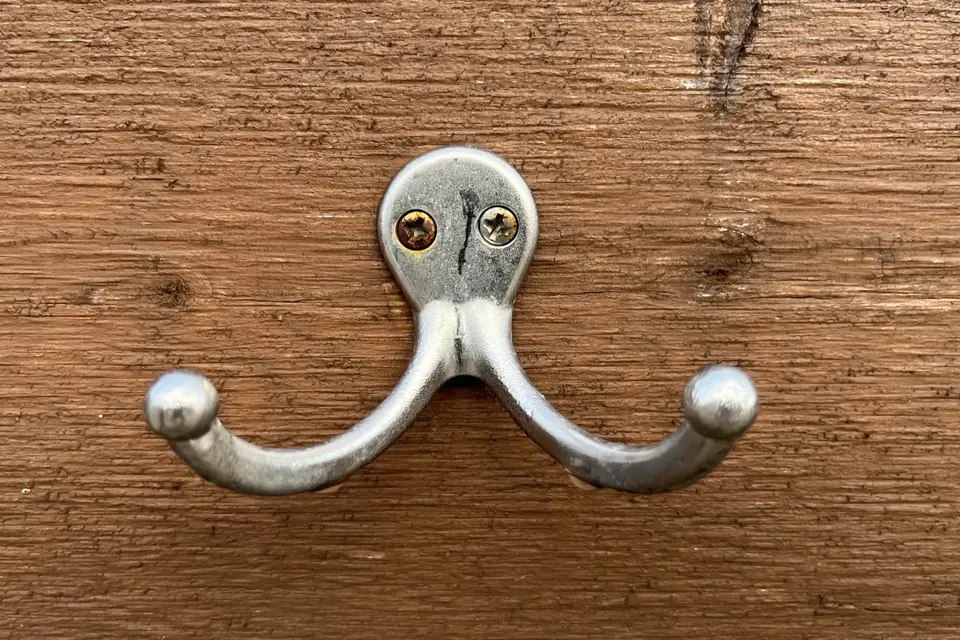
A double metal coat hook screwed into a weathered wooden board

Each guide starts from the problem rather than from a product. It shows what WordPress core already does, where the settings and hooks are, and when a plugin or an outside service is genuinely the better tool. Code is kept short and uses documented WordPress functions, with links to the official references.

Coming here from an old link to a plugin page? The plugins once published on this domain have been discontinued for many years and are not offered here. The pages at those addresses now explain how to solve the same problem with current WordPress. The help hub lists them all.

A red pillar postbox beside a stone wall and a red door The guide most readers need first

Why WordPress mail goes missing, and how to fix it

Why WordPress emails disappear or land in spam, how wp_mail() works, and how to route site mail through an authenticated SMTP server or sending service.

Read the guide

Common problems

Topics

Latest guides

  1. SPF, DKIM and DMARC for WordPress email: a record-by-record setupEmail & newsletters
  2. Two-factor authentication: authenticator apps, passkeys and recoveryLogins & site admin
  3. Accessible themes: what the accessibility-ready tag checksPages & images
  4. How WordPress plugins began: from hooks in 1.2 to auto-updatesHistory
  5. A short history of email authentication: from open relays to DMARCHistory
  6. WordPress for estate agents: a listings plugin or a property platform?Pages & images
  7. Lightweight visitor statistics for WordPress: options without the bloatLogins & site admin
  8. Custom login URLs and login links: what they do and don't protectLogins & site admin
  9. Locking WordPress down: login lockouts and maintenance modeLogins & site admin
  10. Image captions: blocks, the Media Library and theme templatesPages & images
  11. Thumbnail and image sizes: settings, custom sizes and regenerationPages & images
  12. Ordering pages: the Order attribute, menus and drag-and-dropPages & images
  13. WordPress and Gmail SMTP: app passwords, OAuth and sending limitsEmail & newsletters
  14. Sending a newsletter from WordPress: plugins, services and the rulesEmail & newsletters
  15. The messenger add-on era: multi-login loaders, patches and the end of Yahoo! MessengerHistory
  16. Sending WordPress email through SMTP: why mail goes missingEmail & newsletters